Free Excel Calendar Templates
Last Updated on December 10, 2025
I am excited to share my collection of free Excel calendar templates that are fully editable and easy to use. These Excel calendar templates help you add notes, reminders, important dates, tasks, due dates, events, and more in one place. They are helpful for tracking schedules and managing budgets without any hassle. You can edit the calendar, change colors, and customize the layout based on your preferences. You can access these calendars offline and securely, and even add password protection for better privacy, then edit them across devices on most PCs where Microsoft Excel is already preinstalled. Most importantly, you can easily print these calendars, making them perfect for personal use, work planning, school schedules, and more.
On this page, you will find free Excel calendar templates, including yearly and monthly calendars. These calendars include federal holidays and observances, so you do not forget important dates. You can download and save the Excel calendar, customize it easily, edit details, and print it when needed. Prefer Google Sheets? You can use our Google Sheets calendar template to track your schedule online. If you prefer writing by hand, check out our 40+ PDF printable calendars with multiple designs and layouts.
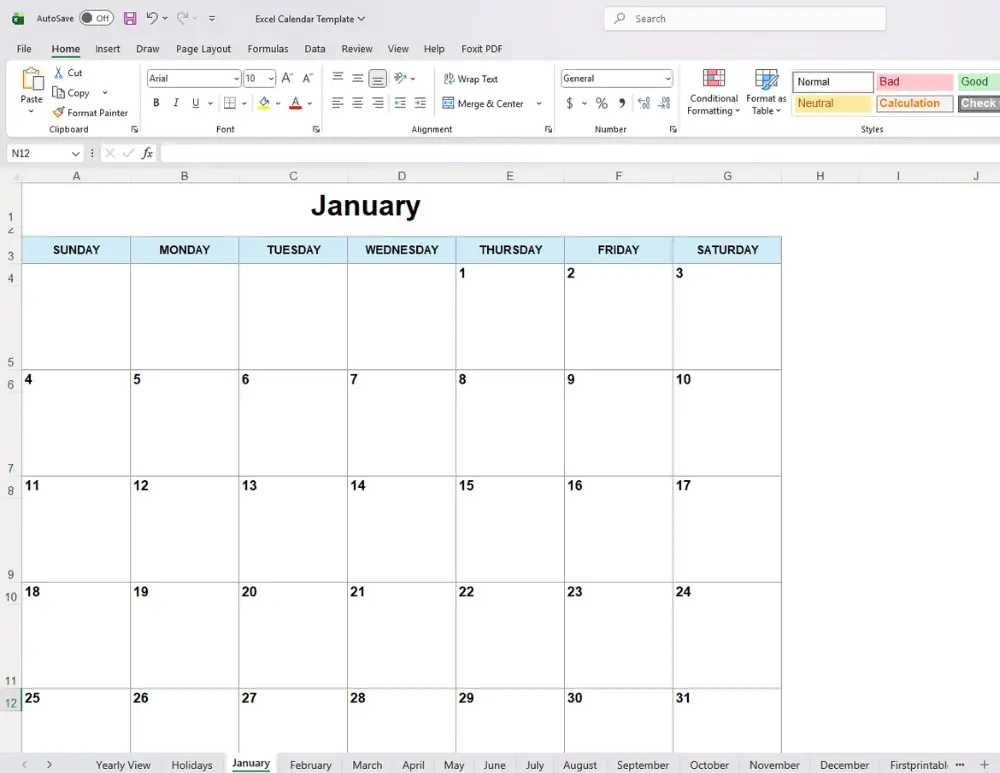
Just scroll down to see all the free Excel Calendar Templates. You can click the template link below to download.
Please note that these Excel templates are for personal, non-commercial use only. Redistribution, alteration, or selling of these templates is not allowed.
Excel Calendar
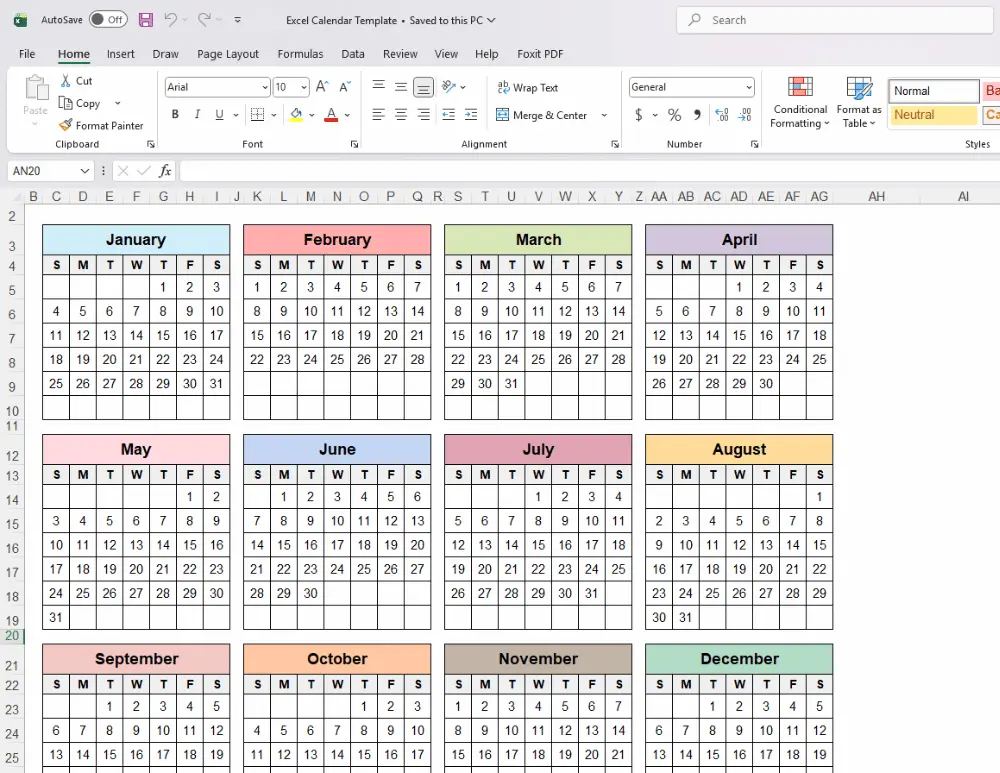
This Excel calendar is provided as a spreadsheet file that includes a full year overview, followed by 12 month calendars arranged on separate tabs for simple viewing and planning.
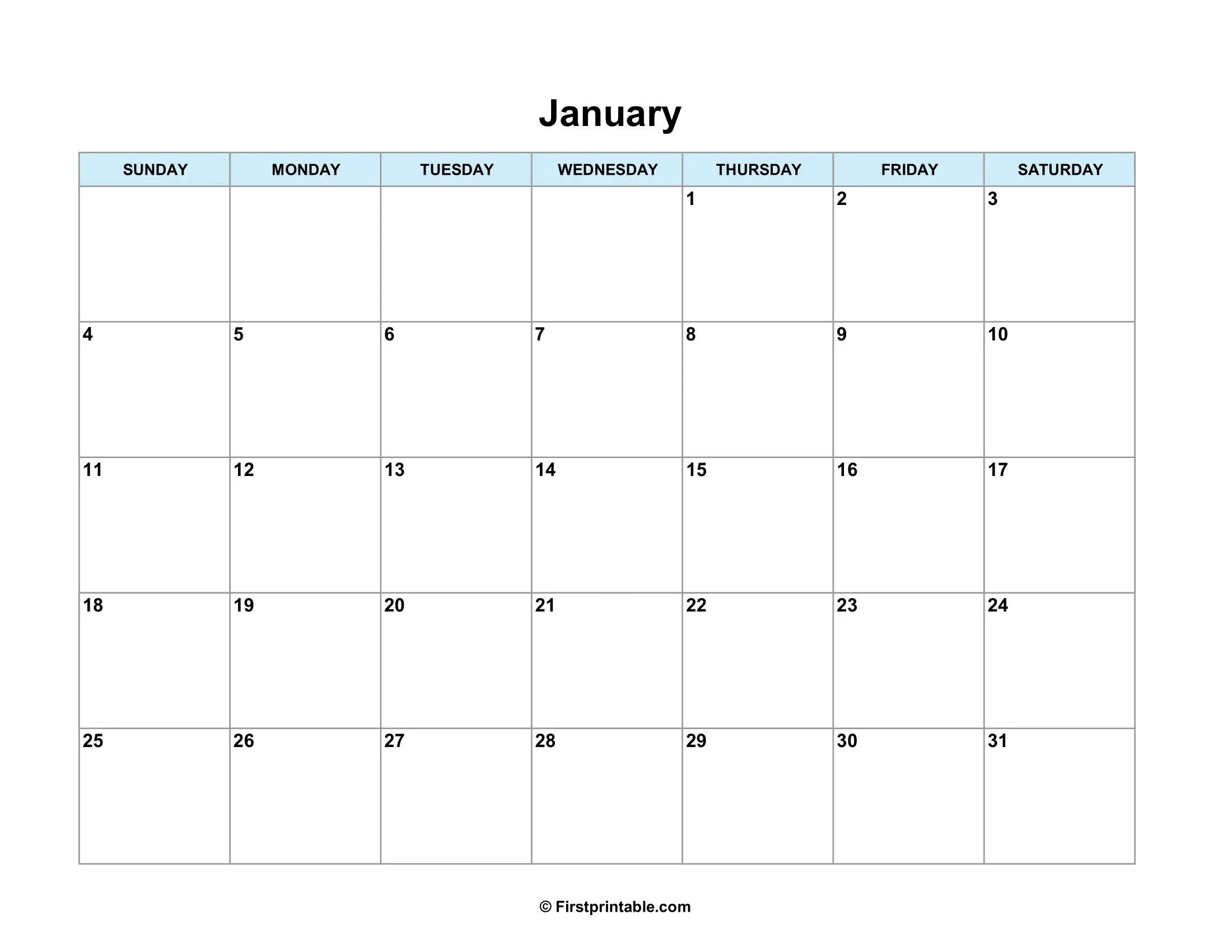

Use the link below to download the calendar template.
Customizable Calendar in Excel
This Excel calendar is flexible and built to fit your needs, making it easy to plan, organize, and view schedules, tasks, and events at a quick glance.
- Download the xlsx file and save the spreadsheet on your device.
- Open the spreadsheet and fill in the day with notes, events, or holidays.
- You can change the font and color to match your favorite style.
- Add background color to highlight day events or holidays easily.
- Use Print Preview by pressing CTRL + P to check the layout.
- Print the calendar by selecting the page size such as Letter size or A4.
- Adjust the scale to No Scaling for Letter size and Fit Sheet on One Page for A4 size, then print your calendar.
Follow us on Pinterest for more free Printables and Templates:
If you liked this post, Please share it with your friends. Show your support by saving it using the ‘Pinterest Save’ button, and access it whenever you want.