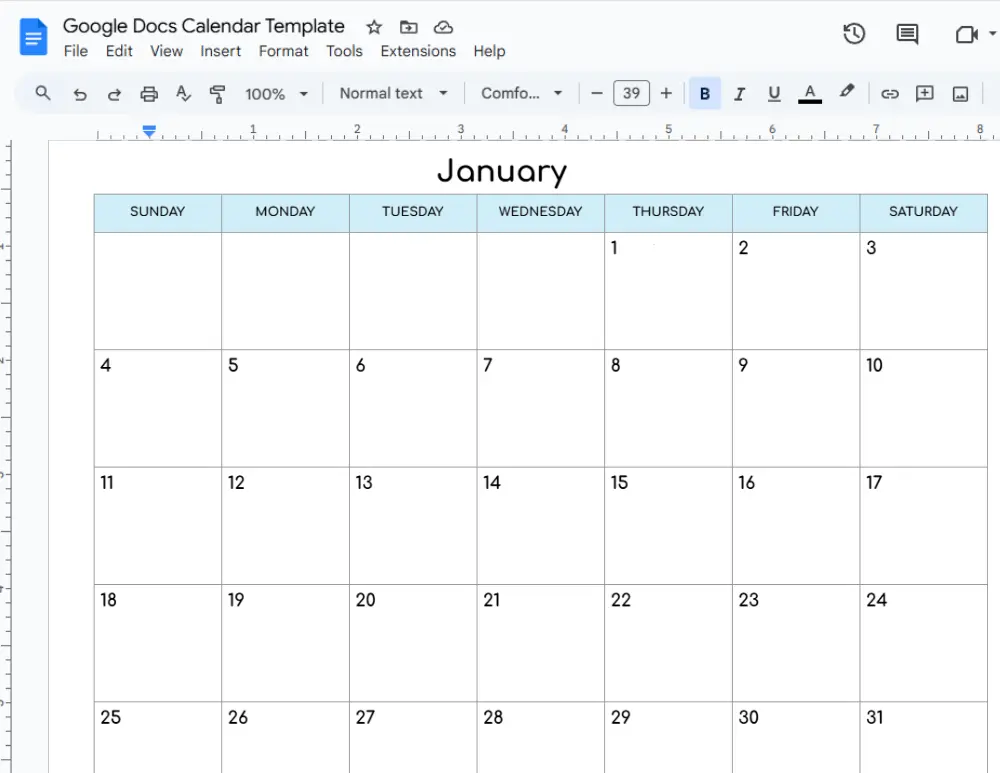
Free Google Docs Calendar Templates
Last Updated on December 17, 2025
Are you looking for a printable Google Docs calendar template? You are in the right place. This free and editable calendar document works inside Google Docs, which is a web based document app. You will need a free Google account to access the Google Docs and manage your yearly and monthly calendars from anywhere on any device with an internet connection. Your calendar in Google Docs stays within your Google Drive, so it is auto saved in the cloud with no worry about data loss. Every calendar change syncs instantly, which means no manual saving is needed. You can open your calendar on a desktop, smartphone, or tablet, then share the calendar with others and collaborate by editing the same calendar document in real time. This seamless Google Docs calendar setup is perfect for beginners who want a simple way to plan and stay organized.
On this page, you will find free Google Docs calendar templates with a yearly overview and separate monthly calendar pages. These calendars include Federal Holidays and observances to support better planning. Each calendar template is fully customizable, so you can change fonts, colors, headings, and preferences to match your style. You can add notes, schedules, events, tasks, deadlines, and more directly to your calendar. Simply open the template link, click the Use Template button, then edit and print the calendar when needed. Prefer Google Sheets? You can use our Google Sheets calendar template in spreadsheet format. If you prefer to write by hand, check out our collection of 40+ PDF printable calendars with a variety of designs and layouts.
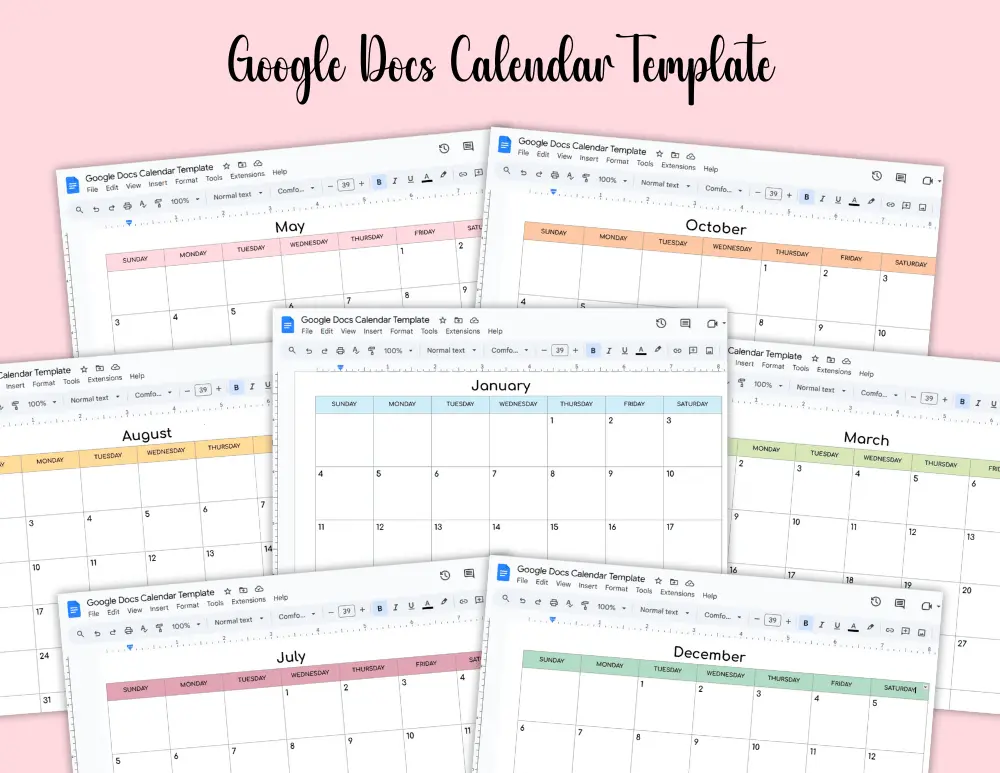
Just scroll down to see all the free Google Docs Calendar Templates. You can click the template link below to download.
Please note that these Google Docs templates are for personal, non-commercial use only. Redistribution, alteration, or selling of these templates is not allowed.
Google Docs Calendar
Our Google Docs calendar template helps you organize your plans and schedule clearly in one simple document that is easy to access and update.
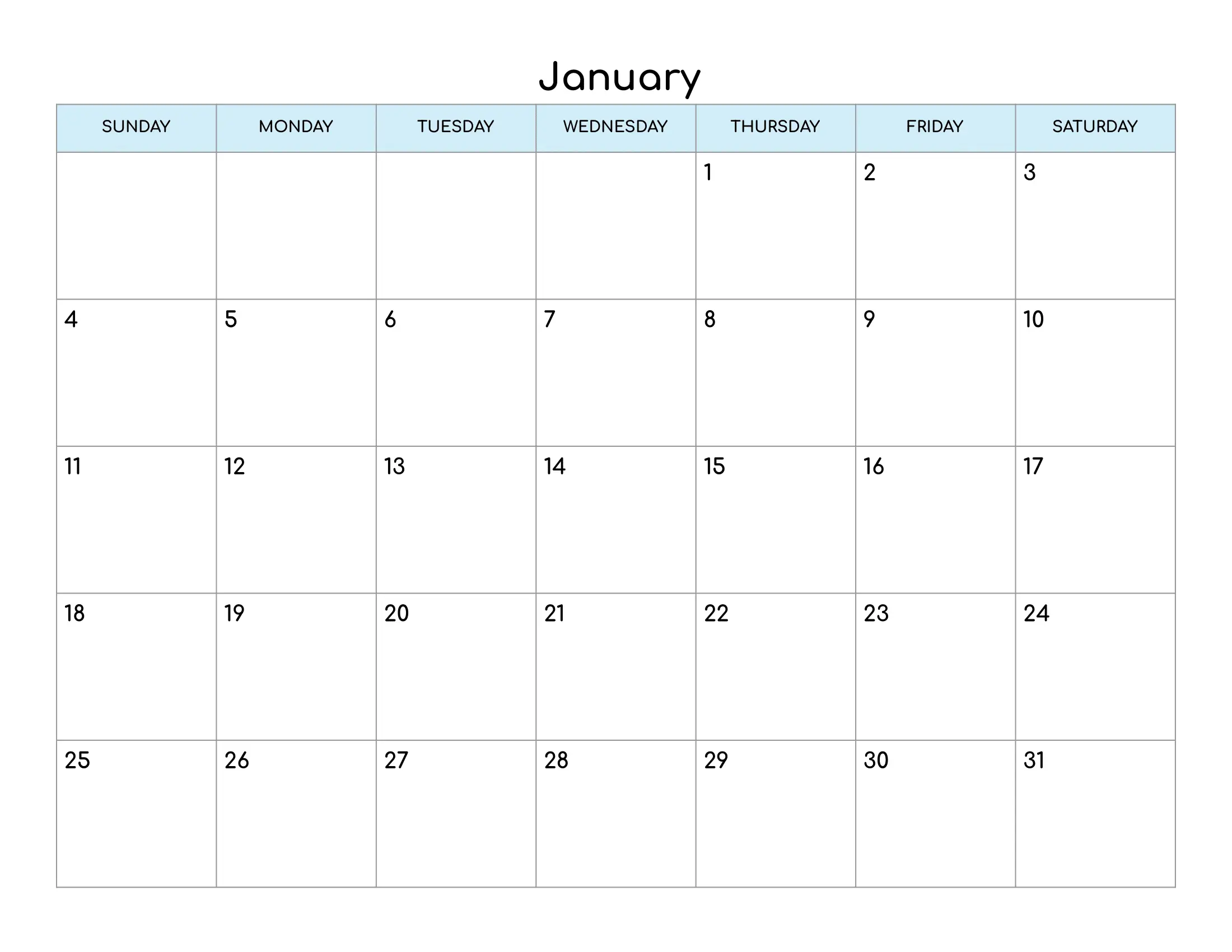

Use the link below to open the calendar template.
Editable and Printable Calendar Template
This editable and printable Google Docs calendar template is designed for quick customization and easy printing whenever required.
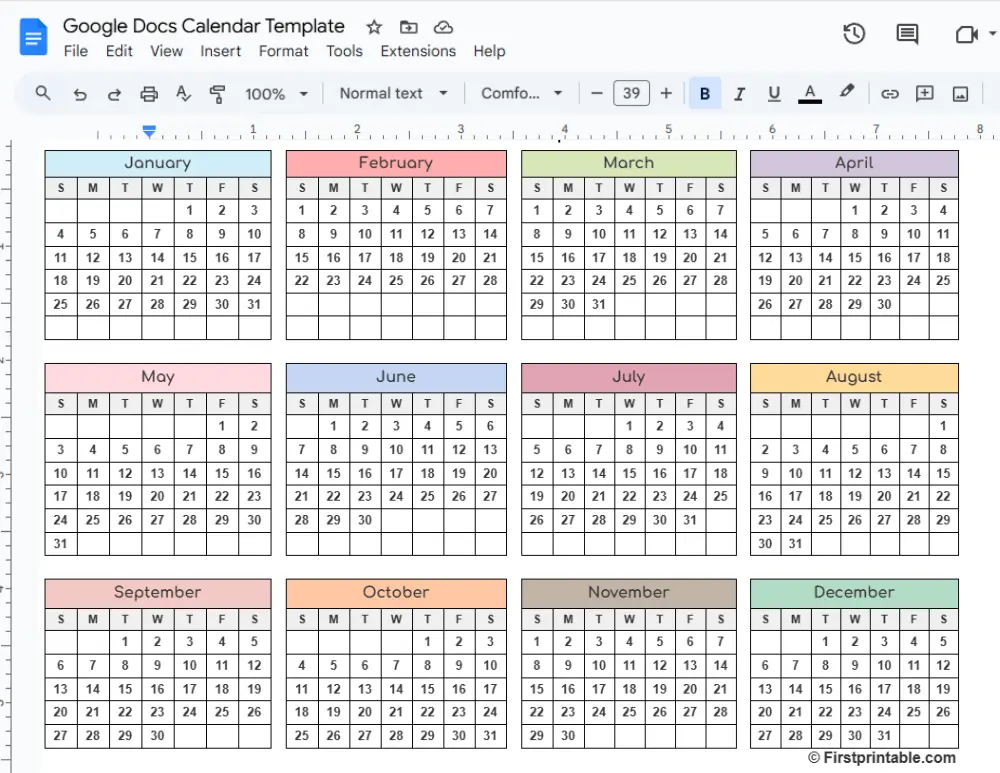
Steps to use the calendar template
- Open the Google Docs calendar template link. You will see the Use Template button.
- Click the Use Template button. A copy of the calendar will be created and opened automatically in your Google Drive. You need a Google account to access this free template.
- Fill in the days, notes, events, and important dates on your calendar.
- Change the font style and color to match your favorite look.
- To print, open Print Preview by pressing CTRL + P.
- Select the paper size such as Letter or A4, choose the page orientation, adjust the scale, and print when required.