Free Google Sheets Calendar Templates
Last Updated on December 11, 2025
Are you searching for a Google Sheets calendar template that is simple and easy to use? You are in the right place. This free web based calendar spreadsheet lets you access your yearly and monthly calendar from anywhere on any device with an internet connection. Since the calendar is saved to Google Drive, you do not need to worry about data loss because your calendar is stored safely in the cloud. Any changes you make to your calendar are saved automatically. You can open your Google Sheets calendar instantly on a desktop, smartphone, or tablet. You can also share your calendar with others and collaborate by editing the same calendar sheet in real time. These Google Sheets calendar templates are beginner friendly and designed to help you manage your schedule without confusion.
On this page, you will find free Google Sheets calendar templates with both yearly and monthly calendar layouts. You can add notes, events, schedules, tasks, due dates, and more directly to your calendar. Each calendar template is fully editable, so you can customize colors and preferences to match your needs. The calendars include Federal Holidays and observances for easy planning. Simply open the template link, make a copy, edit your calendar, and print it whenever needed. Prefer an Excel calendar? You can use our Excel calendar template for offline use. If you prefer to write by hand, check out our collection of 40 plus PDF printable calendars with multiple designs and layouts.
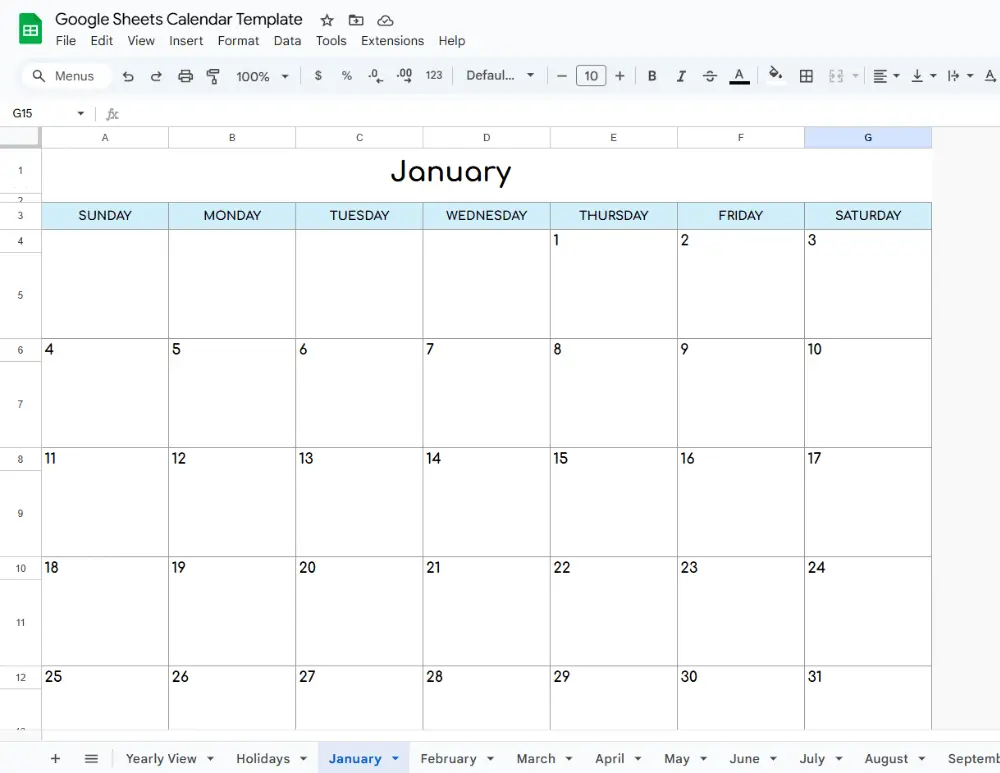
Just scroll down to see all the free Google Sheets Calendar Templates. You can click any image or link to access the template.
Please note that these Google Sheets templates are for personal, non-commercial use only. Redistribution, alteration, or selling of these templates is not allowed.
Google Sheets Calendar
These calendar spreadsheets include an annual calendar followed by 12 monthly calendars placed on separate sheets. Our calendar is ready to use, with space to add your dates, events, and notes, all kept in one organized place.
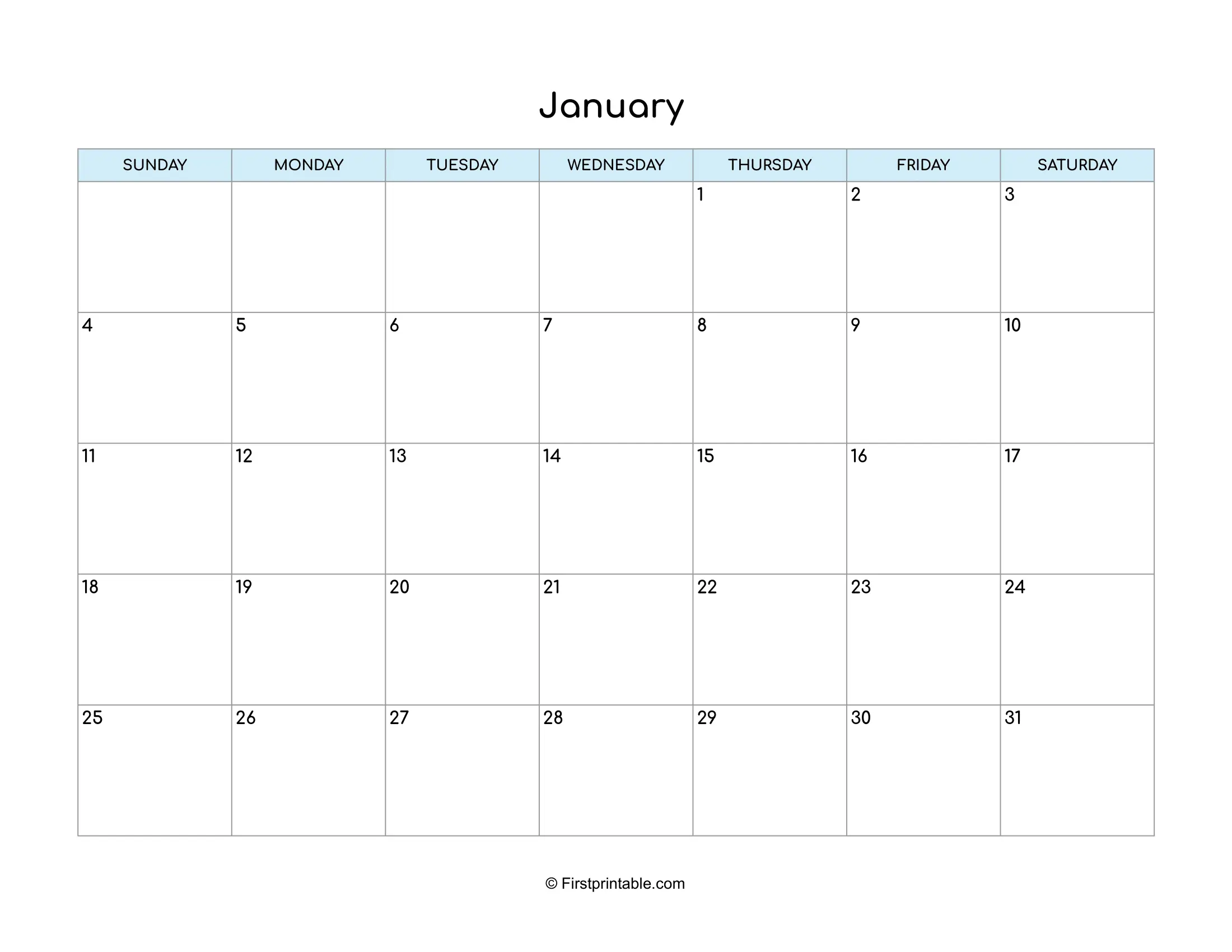
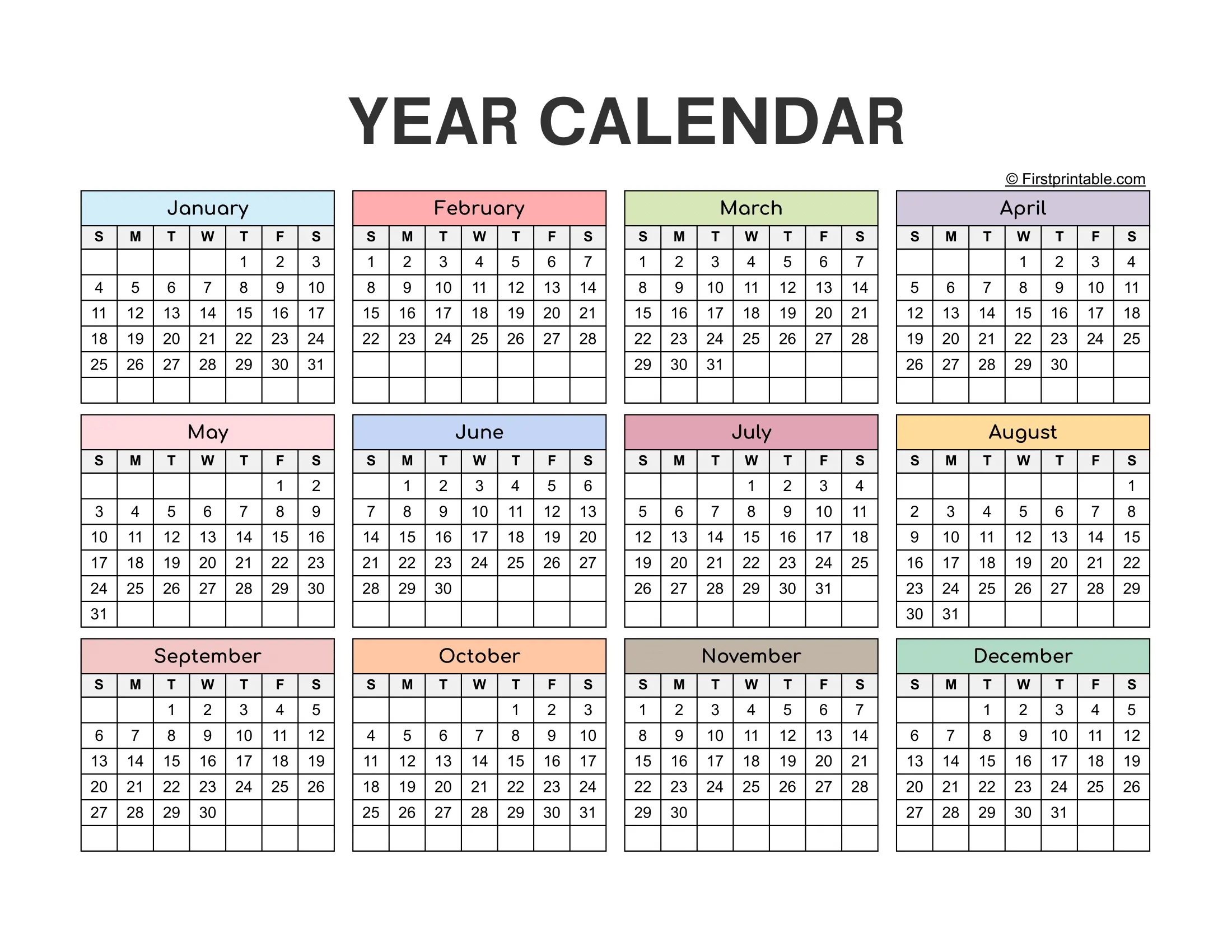
Use the link below to open the calendar template.
Editable and Printable Calendar Template
This editable and printable Google Sheets calendar template is designed to be easy to use, customize, and print whenever needed.
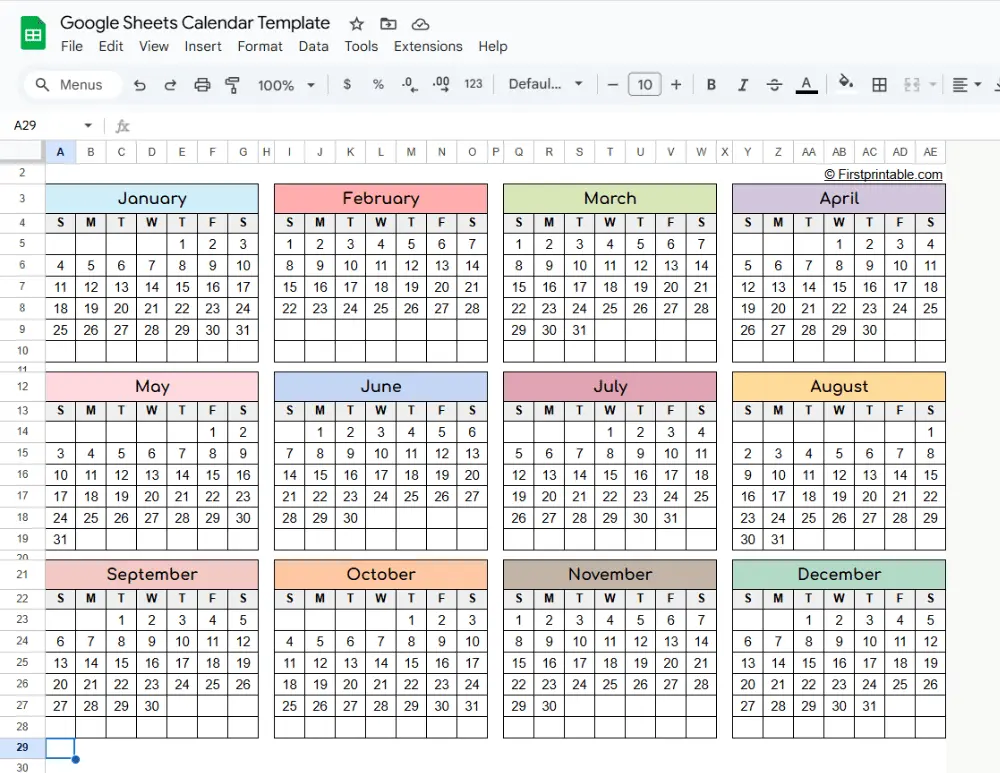
Steps to use the calendar template:
- Open the template link. You will see the Use Template button.
- Click the Use Template button, and the Google Sheets calendar will be saved and opened automatically in your Google Drive.
- Edit the spreadsheet and fill in days, notes, events, or important dates on your calendar.
- You can change the font style and color to match your favorite look.
- Add background colors to highlight day events or holidays on your calendar.
- To print, open Print Preview by pressing CTRL + P.
- Select the paper size such as Letter size or A4.
- Choose the page orientation.
- Adjust the scale to Fit to Width for Letter size and Fit to Height for A4 size, then print your calendar.
Follow us on Pinterest for more free Printables and Templates:
If you liked this post, Please share it with your friends. Show your support by saving it using the ‘Pinterest Save’ button, and access it whenever you want.